> For the complete documentation index, see [llms.txt](https://mixmob.gitbook.io/mixmob-player-guide/llms.txt). Markdown versions of documentation pages are available by appending `.md` to page URLs; this page is available as [Markdown](https://mixmob.gitbook.io/mixmob-player-guide/new-player-guide/9.-daily-missions.md).
# 9. Daily Missions
#### 🎯 **Daily Missions: Complete & Earn Rewards**
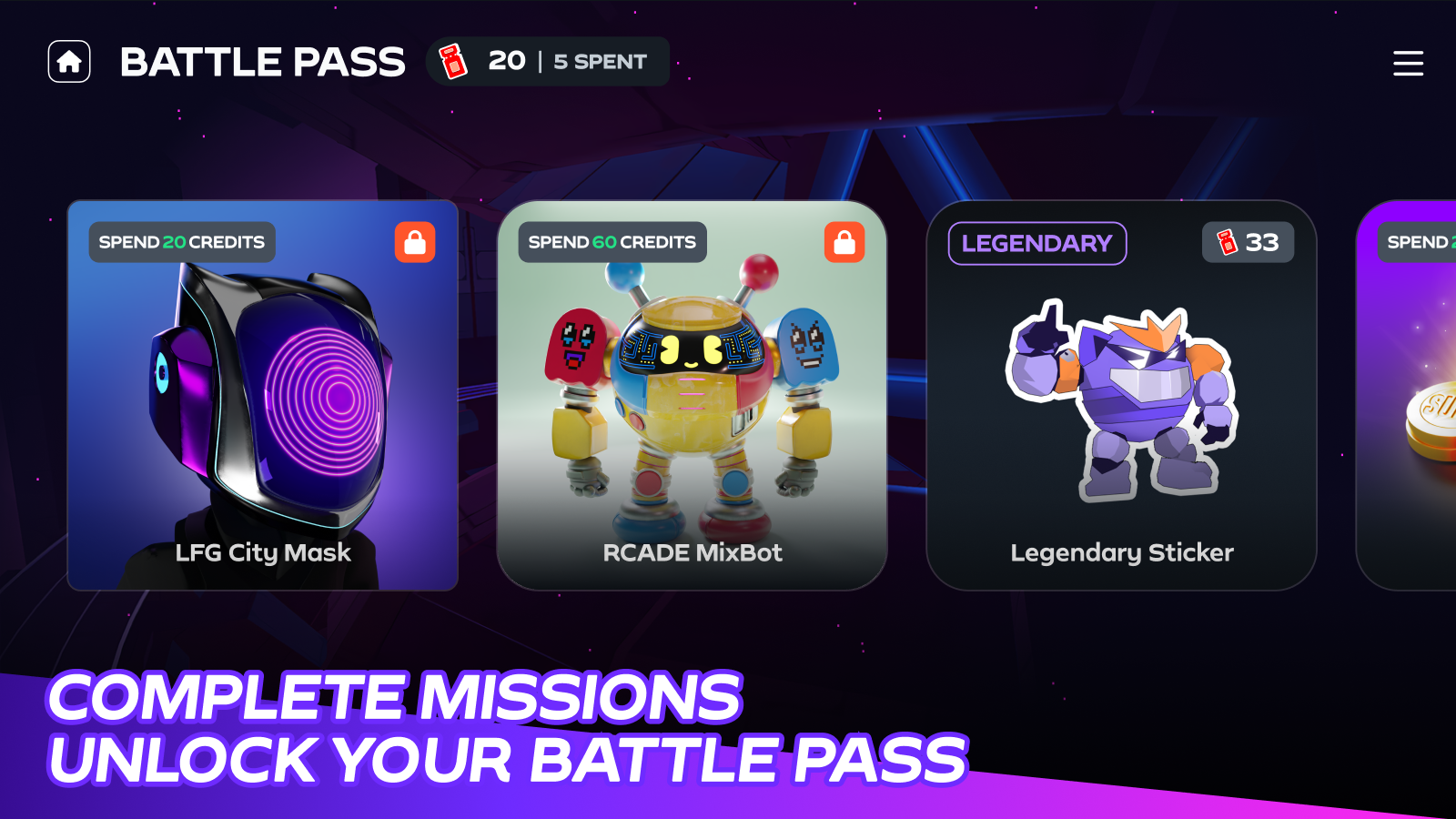
The **Daily Missions button** is where you can track and complete **tasks that reward you with valuable tickets**. These tickets help you level up your **Battle Pass**, unlocking even more exclusive rewards.
***
**📌 How to Access Daily Missions**
Clicking the **Daily Missions button** will open the **Daily Missions Screen**, where you can:
* **View Your Missions** – Check out the tasks available for the day.
* **Track Progress** – Monitor your completion status in real time.
* **Claim Rewards** – Earn **tickets** based on mission difficulty.
* **Stay Updated** – Keep an eye on the **reset timer** to know when new missions arrive.
> **Want to learn more?**\
> 📖 [Learn about Battle Pass](/mixmob-player-guide/the-game/battle-pass-maximize-your-rewards.md)