> For the complete documentation index, see [llms.txt](https://mixmob.gitbook.io/mixmob-player-guide/llms.txt). Markdown versions of documentation pages are available by appending `.md` to page URLs; this page is available as [Markdown](https://mixmob.gitbook.io/mixmob-player-guide/new-player-guide/publish-your-docs.md).
# 3. Game Shop
#### **🛒 The Game Shop**
The **Game Shop** is your go-to destination for **exclusive deals, special offers, and collectibles** to enhance your Racer 1 experience. It evolves with the game, bringing **seasonal items, limited-time rewards, and high-value bundles** based on player feedback and progression.
Whether you're looking to **spin for top-tier rewards**, grab **bonus MixPoints**, or stock up on **MXM** for premium content, the **Game Shop** has something for every racer.
***
#### **🕹️ How to Access the Shop**
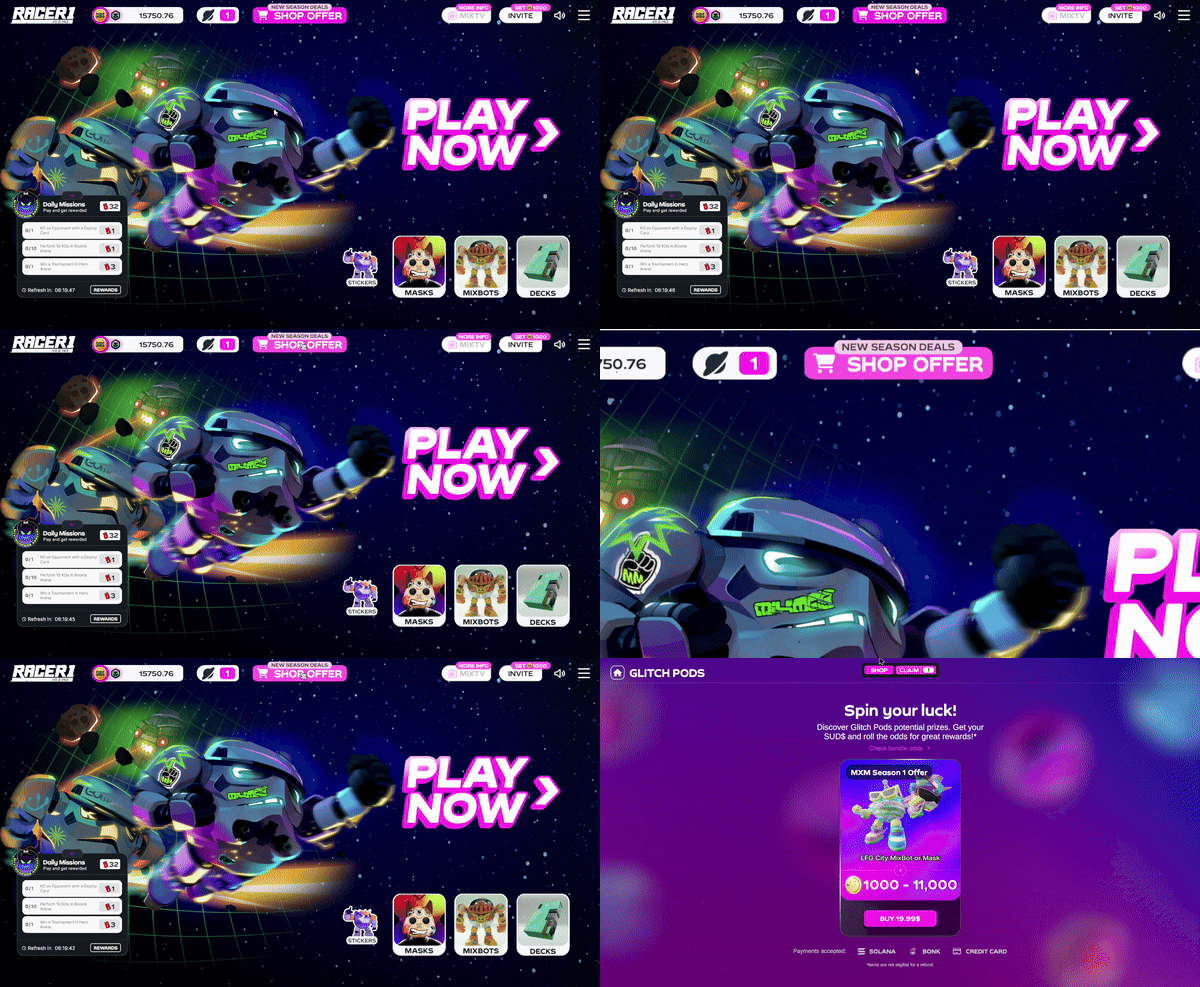
Getting to the **Game Shop** is quick and easy! You’ll find it **directly in the game’s main menu**—just tap the **Shop button** highlighted in the screenshot below to start browsing and upgrading your collection.
***
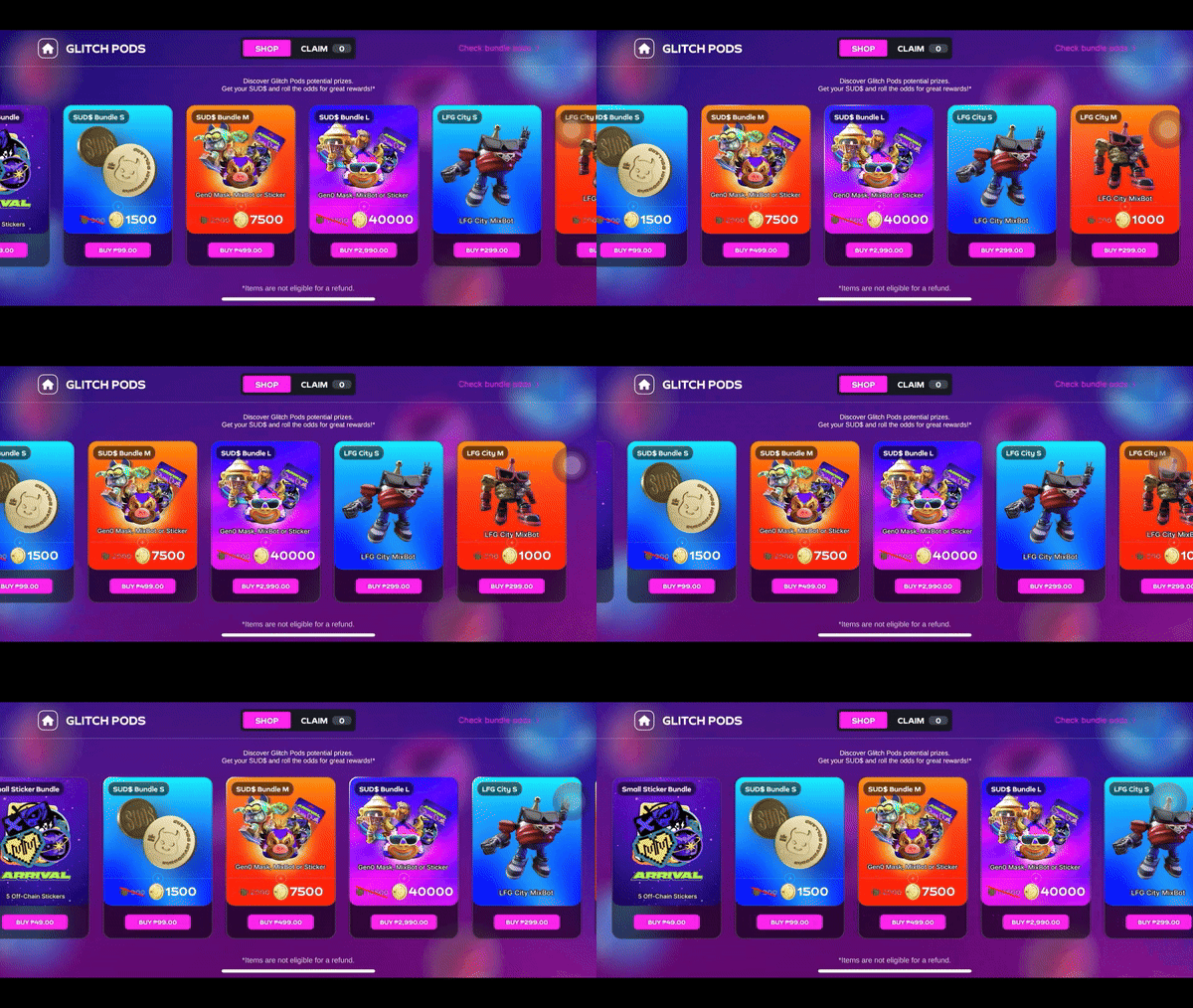
#### **🌀 Glitch Pod Contents**
* **MixBots** – Unlock **offchain MixBots** to expand your roster and try different playstyles. Each MixBot has unique stats that impact speed, handling, and strategy.
* **Stickers** – Collect **offchain Stickers** to showcase progress and personalize your experience. Seasonal Sticker collections may unlock exclusive in-game perks.
* **Masks** – Equip **offchain Masks** to express your style in the MixMob universe. Customize your avatar and stand out on the racetrack.
* **MixPoints** – Get **bonus MixPoints** to speed up progression. Skip the grind and go straight to unlocking MixPods for more MixBots, Stickers, and rewards.
***
#### **🎰 Glitch Pod Odds & Slots**
Each Glitch Pod contains multiple reward slots, with contents and odds varying by bundle. Choose the **bundle that fits your goals**, whether you're looking for more MixBots, Stickers, or MixPoints. **Experiment and find the best way to power up your game!**